
TechHarveyTechHarvey
  • Business
  • Computers
  • Cryptocurrency
  • Education
  • Gaming
  • News
  • Sports
  • Technology
Reading: How do I copy a GoFundMe link to my Instagram bio?
Share
Aa
TechHarveyTechHarvey
Aa
  • Business
  • Computers
  • Cryptocurrency
  • Education
  • Gaming
  • News
  • Sports
  • Technology
Search
  • Business
  • Computers
  • Cryptocurrency
  • Education
  • Gaming
  • News
  • Sports
  • Technology
© 2022 Foxiz News Network. Ruby Design Company. All Rights Reserved.
TechHarvey > blog > How do I copy a GoFundMe link to my Instagram bio?
blog

How do I copy a GoFundMe link to my Instagram bio?

Lucas Anderson
Lucas Anderson
Share
4 Min Read
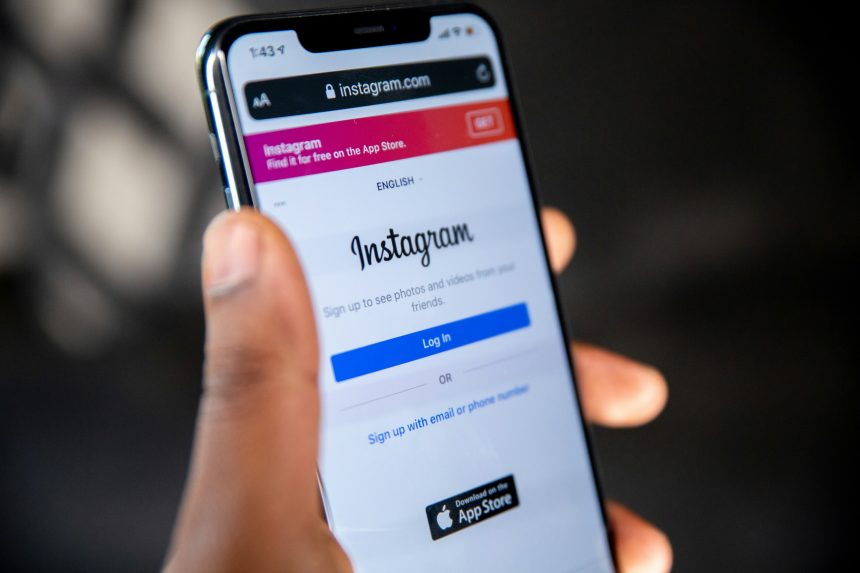
instagram login
SHARE

So, you just set up an awesome GoFundMe campaign, and now you want to share it with your Instagram followers. Great idea! But how do you put the link in your bio? Don’t worry—it’s super easy!

Step 1: Find Your GoFundMe Link

First, you need to grab your GoFundMe link. Here’s how:

  • Go to GoFundMe.com.
  • Log in to your account.
  • Open your fundraiser page.
  • Look at the address bar at the top of your browser.
  • Copy the URL (this is your campaign link).

Nice work! Now, let’s head over to Instagram.

Step 2: Paste the Link in Your Instagram Bio

Now that you have your GoFundMe link, follow these steps to add it to Instagram:

  • Open the Instagram app.
  • Tap on your profile picture in the bottom right corner.
  • Tap on the Edit Profile button.
  • Find the section labeled Website.
  • Paste your GoFundMe link into the Website field.
  • Tap Done or the checkmark icon to save.

And that’s it! Your GoFundMe link is now live in your Instagram bio.

[ai-img]instagram,gofundme,bio,link[/ai-img]

Step 3: Let People Know About It

It’s not enough to just put the link in your bio—you also need to tell people about it! Try these ideas:

  • Post an Instagram Story with a screenshot of your campaign and say, “Link in bio!”
  • Create a post explaining why you’re raising funds. Use a strong caption like “Help make a difference! Click the link in my bio.”
  • Pin a comment under one of your recent posts with the words “Check out my GoFundMe—link in bio!”
  • Ask friends and family to share your post and link.

Sharing is key. The more people who see your fundraiser, the better your chances of reaching your goal.

Bonus Tips: Make It Stand Out

Want to make your GoFundMe link more noticeable? Try these tricks:

  • Use a link shortener like Bitly to create a cleaner, shorter link.
  • Update your bio text to say something like “🙏 Help me reach my goal! Click below! ⬇️”
  • Change your Instagram profile picture to an image related to your cause.

[ai-img]instagram,bio,edit,profile[/ai-img]

What If the Link Doesn’t Work?

Having trouble? Here are some quick fixes:

  • Double-check that you copied the full GoFundMe link.
  • Remove any extra spaces before or after the link.
  • Try adding the link again and saving the changes.
  • Update your Instagram app to the latest version.

If you’re still stuck, try restarting your phone and repeating the steps.

Final Thoughts

Now you know exactly how to share your GoFundMe link on Instagram! Adding it to your bio is fast, simple, and a great way to get more people involved. Just remember to keep spreading the word—post stories, make updates, and ask for shares.

[ai-img]gofundme,donation,fundraising,success[/ai-img]

Good luck with your fundraiser! Every share brings you closer to your goal. 🚀

Lucas Anderson March 4, 2025
Share this Article
Facebook Twitter Whatsapp Whatsapp Telegram Copy Link Print
Leave a comment Leave a comment

Leave a Reply Cancel reply

Your email address will not be published. Required fields are marked *

Latest Posts

author Michele Wong McSween reflecting on cultural identity heritage and bilingual storytelling through Amy Tan
The Book That Defined Michele Wong McSween’s True Mission
Books June 14, 2026
book bans 2026 debate growing across American schools and public libraries nationwide
Why America’s Book Ban Battles Are Growing in 2026
Books June 13, 2026
former NFL player Andrew East reflecting on measuring personal progress and ditching idealized success targets
The Book That Freed Andrew East From the Trap of Comparison
Books June 11, 2026
Andrew East discussing The Gap and the Gain by Dan Sullivan on Books That Changed My Life
The Book That Completely Shifted Andrew East’s World View
Books June 11, 2026
Olympic gold medalist Shawn Johnson reflecting on slowing down intentional living and stepping away from achievement culture
Shawn Johnson: Ruthless Elimination Is Raw and Pure Truth
Books June 9, 2026
Shawn Johnson discussing The Ruthless Elimination of Hurry by John Mark Comer on Books That Changed My Life
Shawn Johnson: What She Gained After the Gold Medal Hustle
Books June 9, 2026
Robert Cain reflecting on faith resilience and second chances after transformation through scripture in prison
The Book That Gave Robert Cain Life and True Redemption
Books June 7, 2026
automotive technician working on complex vehicle as dealerships face growing skilled worker shortage
Inside the Skilled Technician Shortage Hitting the Industry
Automotive June 4, 2026

429 Too Many Requests

429 Too Many Requests


openresty

You Might also Like

blog

Reinstall Windows 7 Without a CD or DVD

August 13, 2025
blog

Wipe a Windows 7 PC Completely Before Selling or Reusing

August 12, 2025
blog

Copy a DVD in Windows 7 Without Extra Software

August 11, 2025
blog

Stop Programs From Launching at Startup on Windows 7

August 11, 2025

© Copyright 2022 Techharvey.com. All Rights Reserved

  • About
  • Contact
  • Terms and Conditions
  • Privacy Policy
  • Write for us

Removed from reading list

Undo
Welcome Back!

Sign in to your account

Lost your password?







