

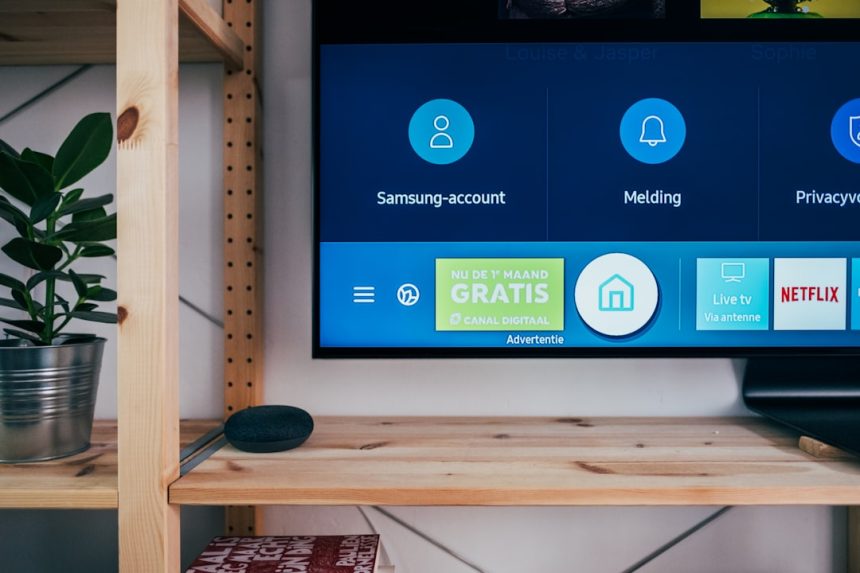
Ever wanted to use your Roku device on more than one TV? Or maybe you just ran out of HDMI ports on your current setup? That’s where an HDMI splitter might come in handy. But the big question is: Does Roku work with an HDMI splitter? Let’s break it down in a fun and simple way!
First, what is an HDMI splitter?
Before we jump into Roku stuff, let’s understand the gadget itself.
- An HDMI splitter is a small device that takes one HDMI input and sends it to two or more HDMI outputs.
- Think of it like a power strip for video signals.
- You plug your Roku into the splitter, and then connect the splitter to two TVs.
Sounds cool, right? But of course, there’s more to the story.
So, does Roku work with an HDMI splitter?
Yes… but with a few things to consider!
A basic Roku device like the Roku Stick or Roku Express connects via HDMI. That makes it compatible with most HDMI splitters. But to get it to actually work well, you need to choose the right splitter.
[ai-img]roku device, hdmi splitter, tv setup[/ai-img]
Things to know before using a splitter
Not all splitters are created equal. Some are high-quality. Others… a little sketchy. Here’s what you need to look for:
- Powered HDMI Splitter: These splitters use an external power supply. They are more reliable and can handle HD content better.
- HDCP Support: Roku streams protected content. Your splitter must support HDCP (High-bandwidth Digital Content Protection) or it won’t work. You’ll get a black screen or an error message.
- Resolution Compatibility: Make sure all your TVs can handle the same resolution (like 1080p or 4K). Otherwise, you might see distorted images or nothing at all.
Using a cheap, unpowered splitter might seem like a good deal, but it usually leads to headaches.
Why would you want to split Roku anyway?
Here are some fun reasons why you’d go this route:
- You want to watch the same show in your living room and kitchen at the same time.
- You have a home setup with multiple screens for sports nights.
- You want to add Roku to an older projector that only has one HDMI slot.
Splitting your Roku can be super useful—just not very flexible. Why?
One signal, one control
When you split a Roku signal, remember:
- Both screens will show the same thing.
- You can’t watch Netflix on one and YouTube on the other at the same time.
- Your Roku remote will control both TVs because it’s sending only one stream of content.
So, if your plan was to create a Roku-powered video wall, great! But if you wanted to please two different people in two separate rooms—maybe not the best choice.
How to set it up
Here’s a simple way to connect it all together:
- Plug your Roku into the HDMI input on the splitter.
- Use HDMI cables to connect each _output_ on the splitter to your TVs.
- If your splitter needs power, plug it in.
- Power on your Roku and both TVs.
[ai-img]cables, hdmi connection, home streaming[/ai-img]
Tada! If you did everything right, both TVs should show the same Roku interface.
Final thoughts
Yes! Roku can absolutely work with an HDMI splitter. But it’s not magic—it depends on the splitter you use and how you connect everything. Follow the tips above to make it smooth and easy.
To recap:
- Use a powered HDMI splitter.
- Make sure it supports HDCP.
- Don’t expect separate shows on different TVs.
Now you’re ready to stream the same cozy movie in two places at once. Roku + splitter = win (if done right)!








