Command Mode in Warframe is an essential feature when handling your crew in Railjack missions. It allows you to issue orders to your AI crew members and ensure they’re effectively contributing to the mission’s success. However, encountering problems with Command Mode not working can be frustrating and may impact your gameplay experience. Fear not—this guide will walk you through various solutions to resolve the issue in a straightforward and effective way.
Understanding the Command Mode
Before diving into fixes, let’s first recap how Command Mode is supposed to work. This feature is tied to the Railjack segment of the game and becomes active once you’ve assigned crew members via the Dry Dock. By activating it, you can instruct your crew to operate different parts of the Railjack (turrets, reactors, etc.) or handle specific threats. If this system isn’t functioning properly, it could stem from several reasons—ranging from basic settings issues to bugs.
Possible Fixes
Here’s a list of potential fixes to try if Command Mode isn’t working in Warframe. Start with the simplest solutions and work your way down the list.
1. Ensure Command Intrinsics Are Unlocked
The Command Mode feature only becomes available after you’ve unlocked it in the Intrinsics tree. Here’s how you can check this:
- Go to the Dry Dock and access the Intrinsics menu.
- Ensure you’ve invested Intrinsics into the “Command” category. At least the first level is required for basic functionality.
If you haven’t unlocked this yet, farm Intrinsics by participating in Railjack missions until you have enough points to invest in Command Mode.
[ai-img]railjack, intrinsics, warframe command[/ai-img]
2. Verify Crew Assignment
Command Mode won’t function if you haven’t properly assigned a crew to your Railjack. Follow these steps to ensure your crew is set up:
- Go to the Dry Dock and open the Crew Management section.
- Assign NPC crew members to appropriate roles such as Engineer, Gunner, or Pilot.
- Ensure you save the layout before exiting the menu.
Once this is done, you should be able to access Command Mode during missions.
3. Check Your Keybindings
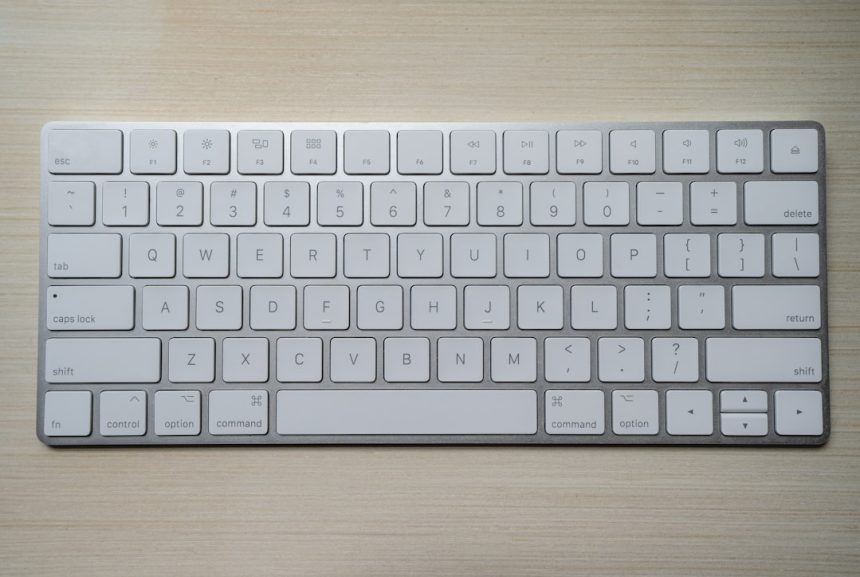
Sometimes, the problem is simply a misconfigured keybind. By default, Command Mode is accessed by holding down the “Tactical Menu” key. If this isn’t working, you might need to rebind it:
- Open the options menu and navigate to Controls.
- Under the Railjack section, look for the keybinding for the Tactical Menu or Command Mode option.
- Reassign it to a key of your choice, save your settings, and test it in a mission.
4. Update or Verify Game Files
Occasionally, players encounter issues due to corrupted or incomplete game files. To fix this:
- If using Steam, go to your library, right-click Warframe, and select Properties.
- Under the Local Files tab, click “Verify Integrity of Game Files.”
- Let Steam scan and repair any missing or damaged files.
If you’re playing Warframe from another launcher, look for a similar file verification option.
5. Disable Mods or Overlays
Third-party overlays or mods might interfere with the game, causing features like Command Mode to malfunction. Try these steps to rule out potential conflicts:
- Disable any overlays from programs like Discord, Nvidia GeForce Experience, or Steam.
- If you’re using any community mods or tools for Warframe, temporarily disable them and check if the issue persists.
6. Restart the Game and System
Sometimes, a simple restart can resolve minor bugs or glitches. Exit Warframe, close the launcher, and restart your computer. Once your system is back online, launch the game and check if Command Mode is now working.
7. Reach Out to Warframe Support
If none of the above solutions resolve the issue, it might be time to contact Warframe support. Provide them with detailed information about the problem, including any steps you’ve already tried, your system specifications, and whether you’re encountering the issue in specific missions.
[ai-img]warframe support, troubleshooting, player assistance[/ai-img]
Common Scenarios When Command Mode May Fail
Here are some specific scenarios where Command Mode might appear to malfunction, along with quick tips:
- Railjack Crew Not Responding: Ensure they are equipped and properly assigned in the Dry Dock.
- Command Mode Menu Not Opening: Double-check your keybinds and verify the Tactical Menu is working properly.
- AI Crew Not Following Orders: This could indicate a temporary bug—try restarting the mission or reassigning roles in the Crew Management section.
Wrapping Up
Command Mode is a vital tool for optimizing your Warframe Railjack missions, and dealing with issues like it not working can be highly frustrating. By following the steps outlined in this guide, you should be able to troubleshoot and fix the issue in no time. Remember, most problems stem from intrinsics not being unlocked, incorrect configurations, or minor bugs that are easily solvable. If all else fails, Warframe support is always there to help!